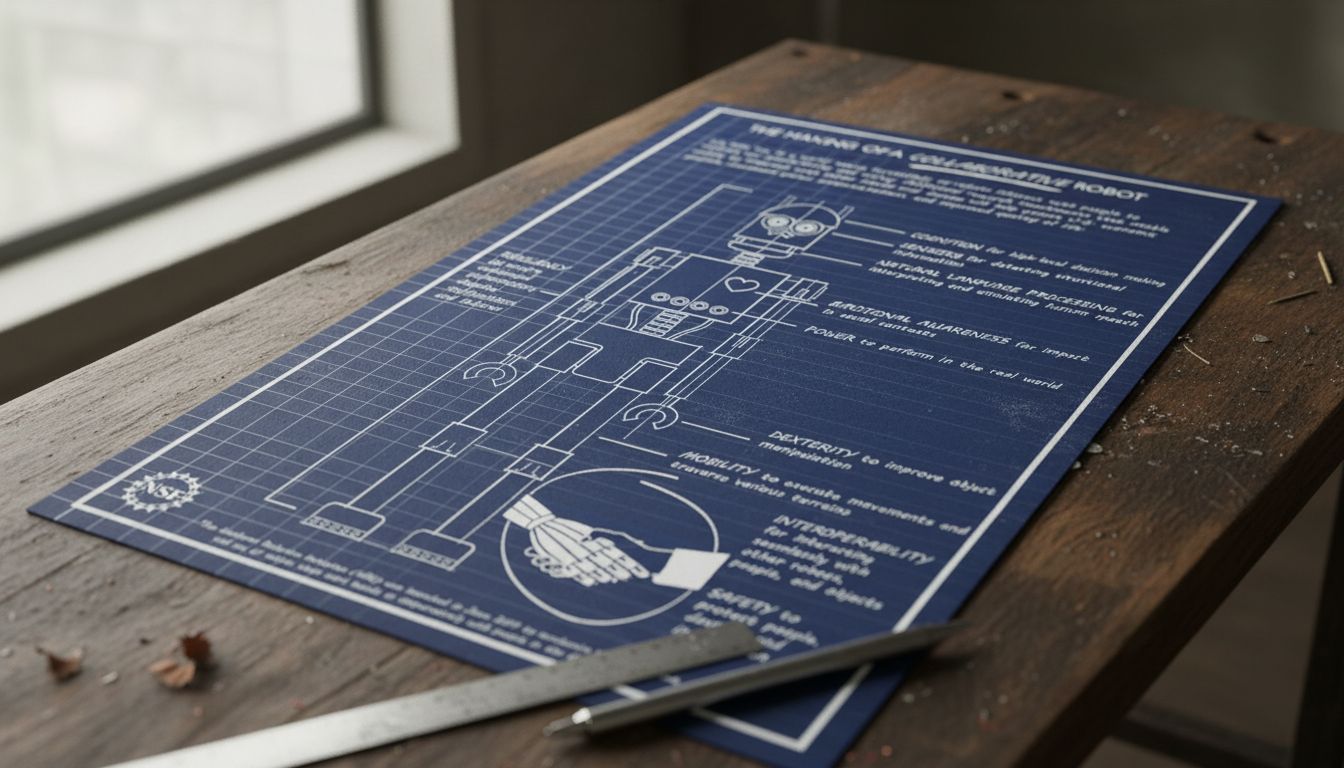
Just a Robot: How to Design, Code, and Build Your Own
Anyone who has ever tinkered with electronics or played with code has thought: I’m just a robot builder in the making. Understanding how to design a robot is the first step from concept to working machine. Once you have a design, knowing how to code a robot brings it to life with real behavior. If you want to practice without hardware costs, learning to make a robot game in a simulation environment is an excellent starting point. And if you have spent time online, you have certainly had to prove you’re not a robot with a CAPTCHA — a reminder that the line between human and machine behavior is a real technical challenge.
This guide covers the full arc from design to code to game, with clear steps for beginners and hobbyists.
How to Design a Robot: From Sketch to Blueprint
Function First, Form Second
Learning how to design a robot starts with a clear purpose. What should it do? Pick up objects? Navigate a maze? Follow a line? Your robot’s function determines its physical form, the sensors it needs, and how complex the code will be. Do not start with aesthetics — start with tasks.
Once you have a task, sketch the mechanical structure. Most beginner robots need a chassis (the body), wheels or tracks, motors, a power source, and a controller board like an Arduino or Raspberry Pi. Draw a simple diagram showing how these parts connect. At this stage you are not building — you are thinking.
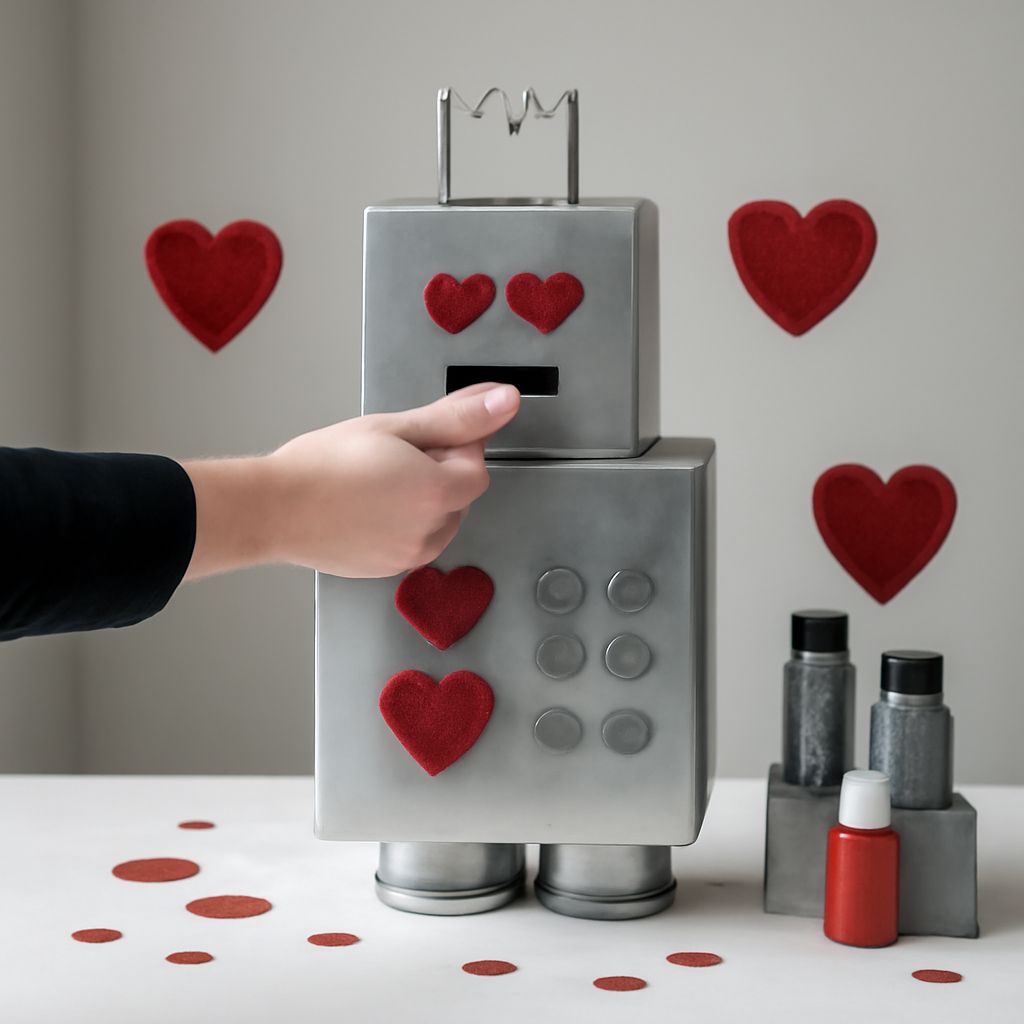
The design phase also includes choosing materials. Lightweight plastic or laser-cut acrylic works well for small robots. Metal frames are stronger but heavier and harder to modify. Cardboard and foam are perfectly valid for prototypes — the goal is to test your design before committing to final materials.
How to Code a Robot: From Logic to Motion
Languages, Libraries, and First Programs
Knowing how to code a robot means understanding how software communicates with hardware. Most beginner robot platforms use C/C++ (Arduino), Python (Raspberry Pi), or block-based visual coding tools like Scratch for Kids or Microsoft MakeCode.
Start with the simplest possible behavior. Write code to make one motor spin. Test it. Then add a second motor. Then add a sensor input. Build complexity layer by layer rather than trying to write a complete autonomous behavior from scratch. This approach lets you catch problems early and understand exactly what each line of code does.
A basic robot movement loop in Arduino looks like this: set motor direction, set motor speed, read sensor input, adjust behavior based on sensor reading, repeat. That loop is just a robot doing what robots do — taking in information and responding to it. The sophistication comes from what you do inside the loop.
Make a Robot Game: Simulating Before You Build
Before you spend money on hardware, you can make a robot game that simulates robot behavior in software. Game engines like Unity and Godot let you build 3D environments where virtual robots follow the same physics as real ones. This is how professional robotics teams test algorithms before deploying them on actual machines.
For younger learners, platforms like Scratch, Code.org, and Tynker let you make a robot game with drag-and-drop logic blocks. You design a character, write conditional logic, and watch it navigate a virtual world. The skills you build — sequencing, conditionals, loops, event handling — transfer directly to real robotics programming.
Simulation also lets you test edge cases safely. If your virtual robot crashes into a wall 200 times trying to solve a maze, you learn from those failures without damaging any hardware.
Prove You’re Not a Robot: The Human Verification Challenge
The phrase prove you’re not a robot usually appears when you encounter a CAPTCHA — a challenge designed to distinguish human users from automated scripts. The fact that websites need tools to prove you’re not a robot reflects something real about how good modern bots have gotten at mimicking human behavior.
Early CAPTCHAs used distorted text that humans could read but OCR software could not. Modern CAPTCHAs from Google and others use behavioral analysis — they track mouse movement patterns, timing, and interaction history rather than relying on visual puzzles alone. Some systems are entirely invisible: they score your session behavior and only challenge you if something looks suspicious.
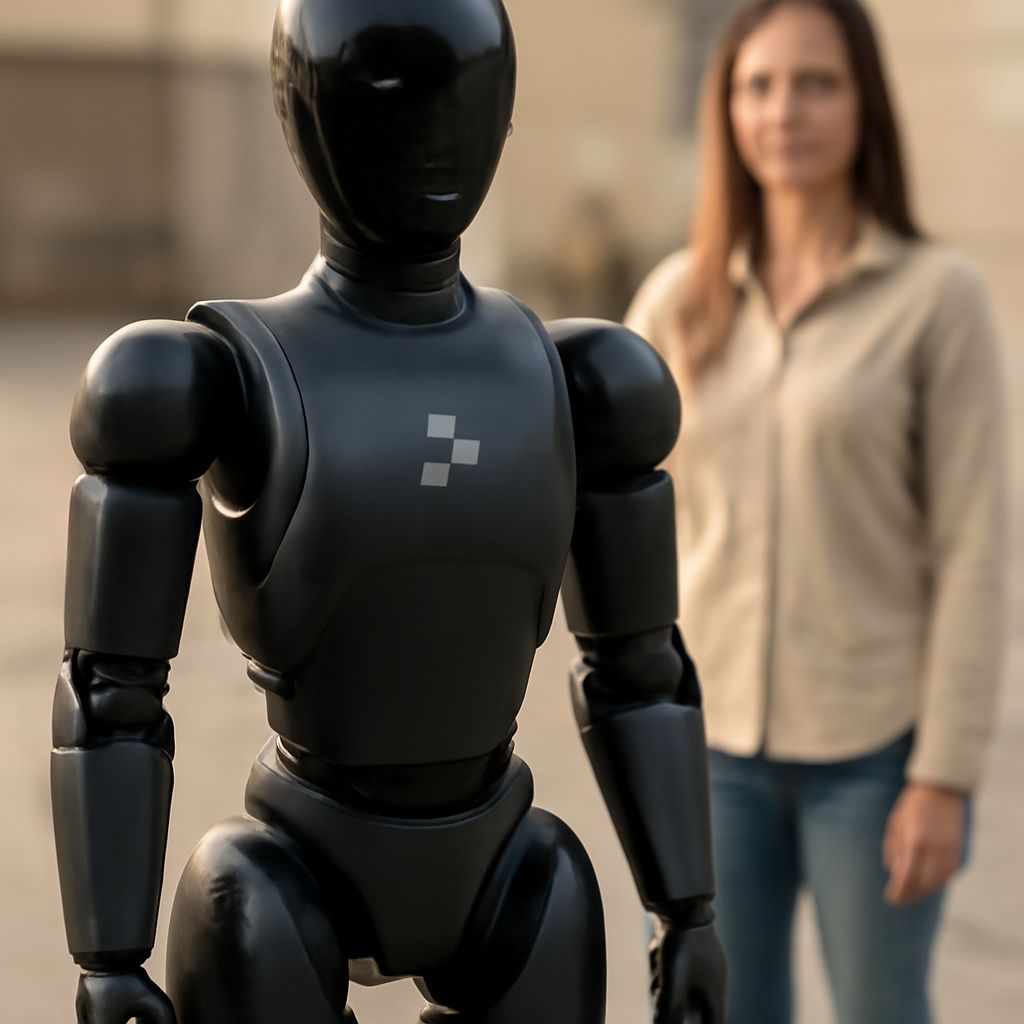
For robotics students, this is a fascinating inverse problem. When you build a robot that must navigate a physical space and respond to humans, you are essentially engineering the answer to the CAPTCHA question from the other direction. The goal shifts: instead of proving it is not a robot, your robot must behave in ways that are useful, predictable, and safe around people — which is a much harder challenge than checking a box.