Learning a new language can be daunting, especially when it involves mastering unique elements like Spanish accent letters. These distinctive marks are crucial not only for proper pronunciation but also for typing in Spanish. Understanding Spanish special characters enhances your ability to communicate clearly and effectively. Whether you’re a beginner or looking to refine your skills, this guide will help you navigate the complexities of using and mastering these essential components of the Spanish language.
Introduction to Spanish Accent Letters
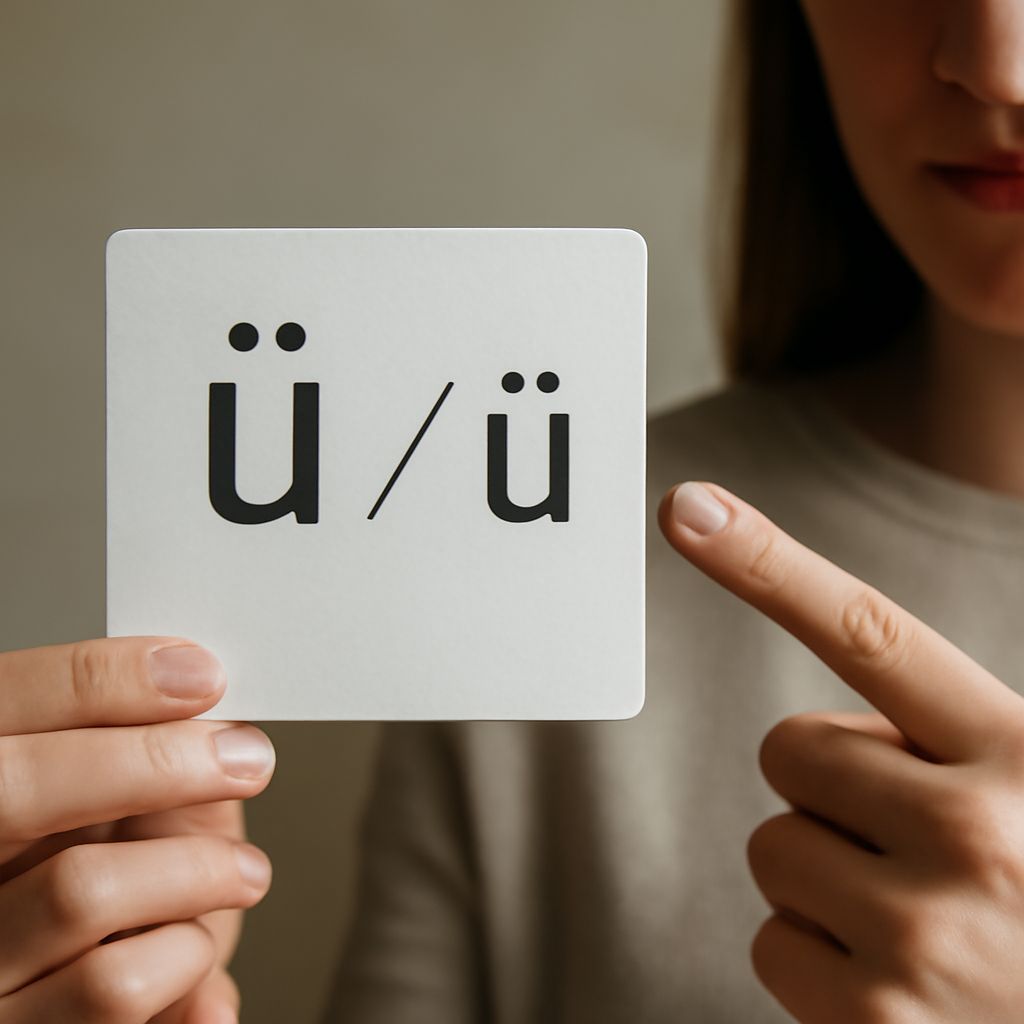
Spanish accent letters, known as diacritics, are vital in conveying the correct pronunciation and meaning of words. These marks, such as accents (á, é, í, ó, ú) and the tilde (ñ), can change a word’s meaning entirely. For example, “si” means “if,” while “sí” means “yes.” Understanding how to use these characters is essential for anyone serious about mastering the Spanish language.
Importance of Spanish Special Characters
Spanish special characters are more than just aesthetic marks; they play a crucial role in linguistic clarity. Without these accents, words could become ambiguous, leading to misunderstandings. In written communication, these characters ensure that the reader interprets the message as intended, preserving the nuances of the Spanish language. Mastering them is a fundamental step in becoming proficient in Spanish.
How to Type in Spanish
Using Spanish Keyboards
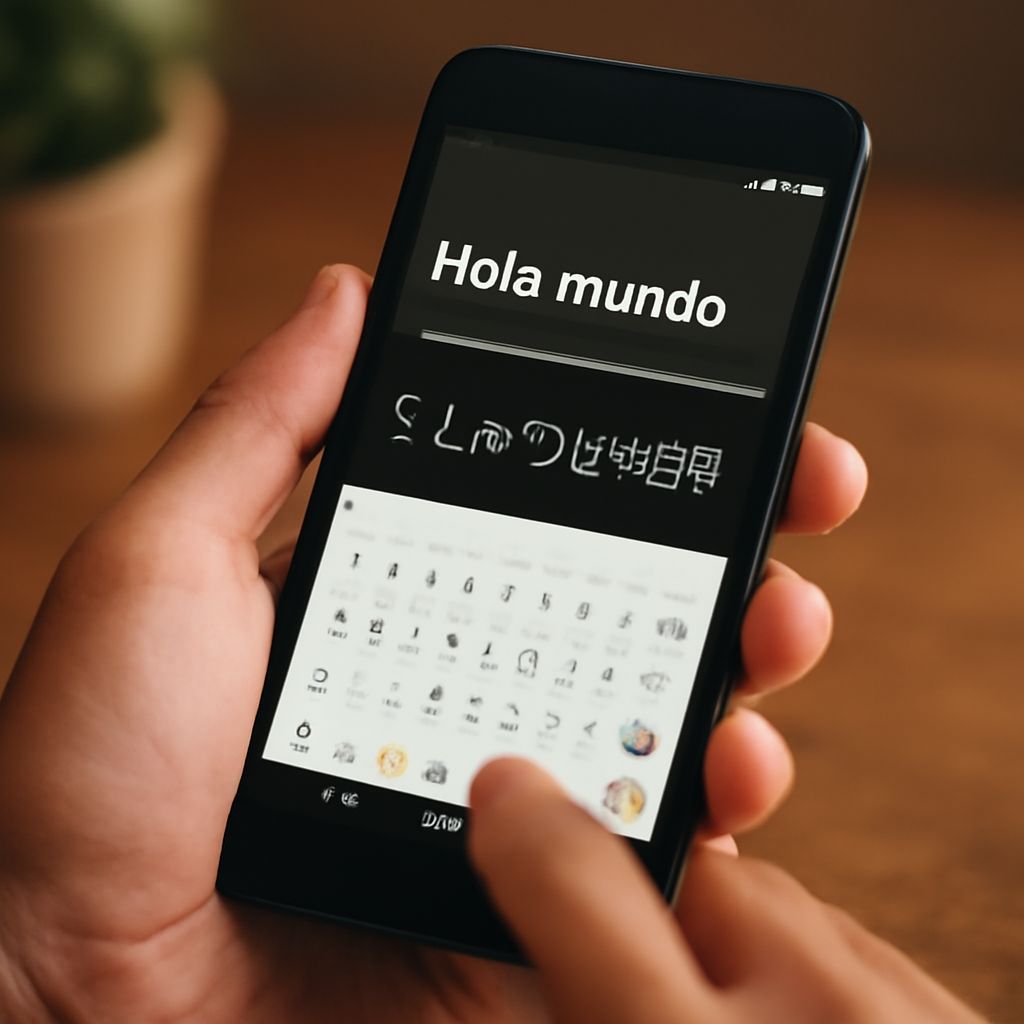
Typing in Spanish requires understanding how to use Spanish keyboards or configure your existing keyboard to support Spanish special characters. Many devices allow you to switch to a Spanish layout, where keys are arranged to include all necessary characters. This setup is optimal for frequent typists who need to write in Spanish regularly.
Typing Spanish Accent Letters
If a Spanish keyboard isn’t available, you can still type Spanish accent letters using specific key combinations. For example, on Windows, holding the ‘Alt’ key while typing a number code can input an accent. On Mac, pressing certain keys in combination with the letter creates the desired character. These shortcuts are invaluable for efficient typing in Spanish.
Common Spanish Accent Letters and Their Usage
Understanding common Spanish accent letters is essential for both speaking and writing. The acute accent (´) appears over vowels and indicates stress on a particular syllable. The tilde (ñ) transforms pronunciation entirely, as in “año” (year). Mastery of these accent marks allows for accurate communication, helping distinguish between words like “papa” (potato) and “papá” (dad).
Tips for Mastering the Spanish Accent
Mastering the Spanish accent requires practice and familiarity with language rules. Listening to native speakers can help you understand the correct pronunciation and usage of accent letters. Additionally, regularly practicing typing in Spanish solidifies your knowledge of Spanish special characters. Tools like language apps and online exercises can provide valuable practice opportunities.
Furthermore, engaging in conversations with fluent speakers provides real-world experience, enhancing both your spoken and written skills. By immersing yourself in the language, you become more comfortable with its intricacies, including the proper use of Spanish accent letters.